Why Is My Vape Blinking? Light Codes and Fixes for Pods and Mods
A blinking light is your vape talking to you. What the common patterns mean, real codes from a popular pod, and how to fix each one.
A blinking light usually isn’t a fault — it’s the device telling you something. The tricky part is that every brand uses its own codes, so the same number of flashes can mean different things on different devices. Start with the most likely causes below, then check your own manual.
Try these first
- Charge it. Low battery is the most common reason for blinking.
- Reseat the pod or coil. Take it out, wipe the contacts dry, push it back firmly.
- Let go of the button / stop puffing. Most devices cut out after 8–10 seconds of continuous firing.
- Let it cool down if it’s warm.
What the blinking usually means
Low battery
The classic: rapid flashing (often 10 times or more) when you try to vape, or a battery icon at 0%. Charge it fully and try again.
Pod or coil not detected (open circuit / high resistance)
The device can’t “see” a working coil. Usually the pod isn’t seated, the contacts are dirty or wet, or the coil has failed. Reseat it, clean the contacts with a dry tissue, or try a new pod. On mods this shows as “No Atomizer” — see no atomizer error.
Short circuit / resistance too low
The coil reads as too low for the device — often a damaged coil or liquid bridging the contacts. Remove the pod, dry everything, and try a fresh pod or coil.
Overheating
Many devices stop and flash if they get too hot — from heavy use, a hot car or charging while vaping. Let it cool before using it again.
Timed-out puff
Hold the button (or keep drawing) too long and the device cuts out as a safety measure, usually with a short flash. Just take shorter puffs.
Device locked
Many devices have a child or pocket lock, usually five quick presses of the fire button. A locked device often flashes when you try to use it. Press five times quickly to unlock, then try again.
Liquid in the airflow sensor
On draw-activated devices, leaked liquid or condensation can reach the sensor. The device may flash, fire on its own, or refuse to fire. Remove the pod, wipe and dry the pod base and the device’s pod bay, and leave it uncovered to dry for a few hours before trying again.
Common patterns at a glance
These are typical meanings across many pods and mods, not a universal standard. If your manual says something different, the manual wins.
| What you see | Often means | Try |
|---|---|---|
| Rapid flashing (often 10+ times) when you puff | Battery too low | Charge fully |
| A few flashes, then nothing | Pod or coil not detected, or short circuit | Reseat the pod; dry the contacts; try a new pod |
| Flashing after a long puff | Puff timed out (often 8–10 seconds) | Take shorter puffs |
| Flashing when you press the button repeatedly | Device locking or unlocking | Press five times quickly |
| Flashing or colour-changing while plugged in | Normal charging indicator | Wait; check the manual for the “full” signal |
| Flashing and the device feels hot | Overheat protection | Stop and let it cool |
What do the colours mean?
On many devices, light colour shows battery level (for example green for high, blue for medium, red for low), but there’s no industry standard and some brands use colour only as decoration. Check your manual, or watch what the light does while the device charges from empty to full.
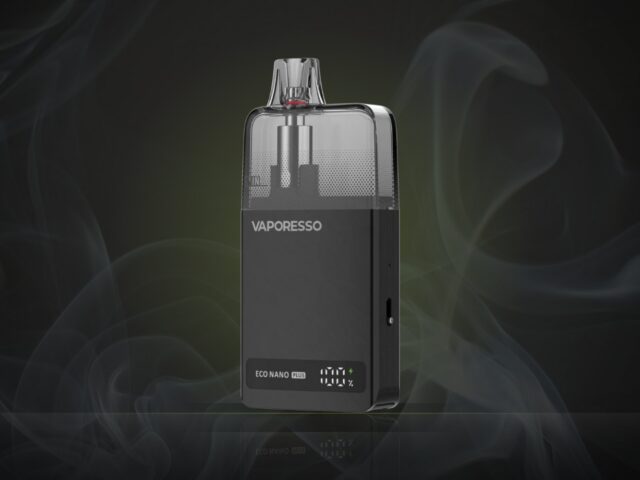
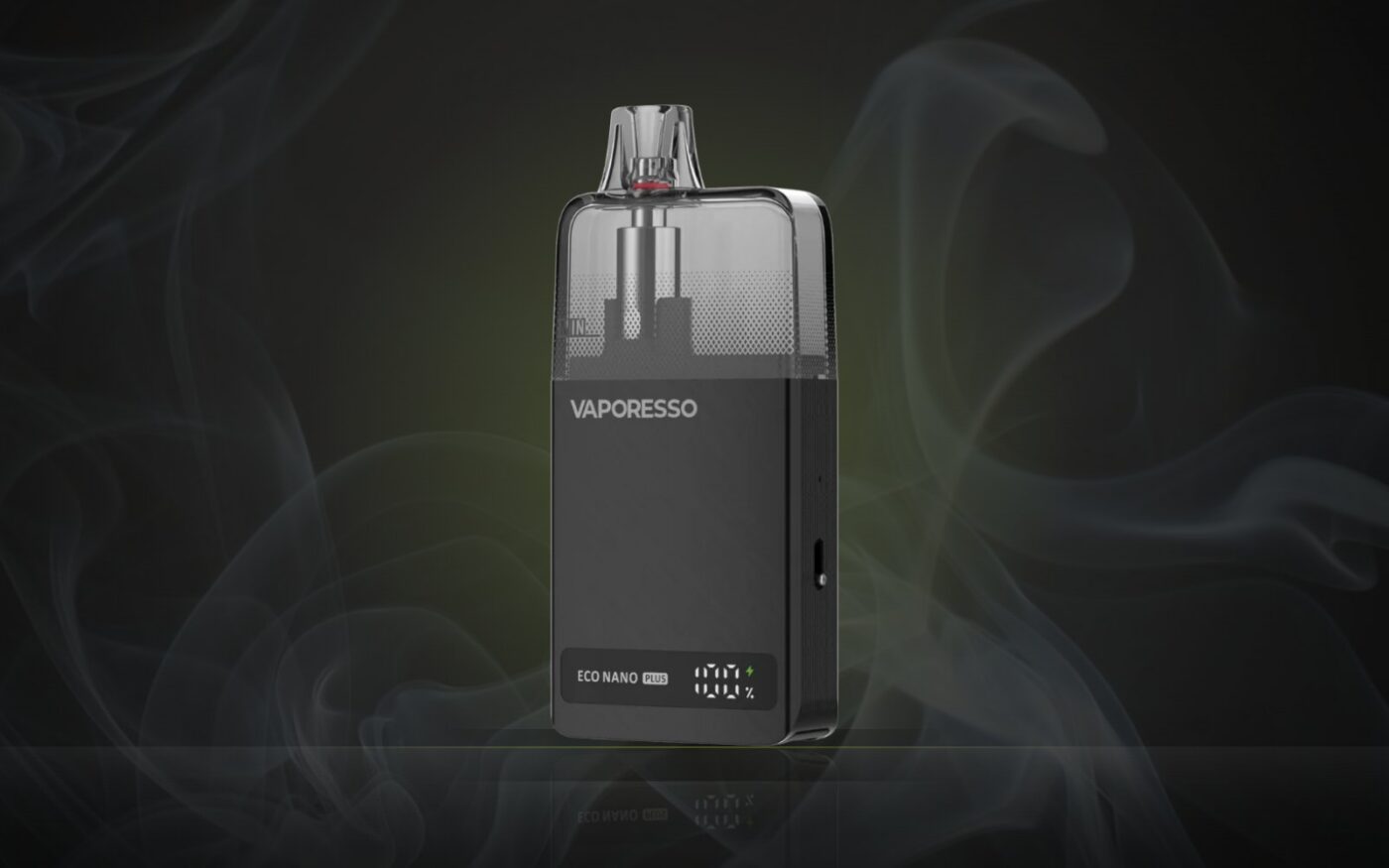
A real example: Vaporesso ECO NANO PLUS
To show how specific codes are, here’s what Vaporesso’s own manual lists for the ECO NANO PLUS:
| What you see | What it means |
|---|---|
| “E1”, flashes 5 times | Low resistance / short circuit |
| “E2”, flashes 4 times | No load / high resistance (pod not detected) |
| “E3”, flashes 3 times | High temperature |
| “0%” | Low voltage — charge the device |
| Battery level + lightning symbol, flashes twice | Puff lasted too long (over 8 seconds) |
Other brands use different patterns — always check the manual for your exact model.
Blinking while charging
Flashing or stepping lights while plugged in is normally just the charging indicator. If it blinks and won’t charge, try another cable and charger, check the port for lint or liquid, and never charge a device that’s wet, swollen or hot. See battery safety basics.
Blinking but not empty
If the device blinks even though there’s clearly liquid in the pod, the problem is power or connection, not liquid. Charge it first, then dry and reseat the pod. If it still blinks with a fresh, seated pod and a full charge, the device itself may be faulty. Contact the retailer or manufacturer, especially if it’s new.
Blinking after getting wet or being dropped
Liquid on the contacts or inside the pod bay is a very common cause of sudden blinking. Remove the pod, dry everything you can reach with a tissue, and leave the device to dry fully before using or charging it. If a device has been submerged, swollen, cracked or dropped hard, don’t charge it. Stop using it and contact the manufacturer or retailer.
When to stop using it
Blinking is usually harmless, but stop using the device and don’t charge it if it’s hot without being used, swollen or bulging, hissing, or gives off a chemical or burning smell. Those are signs of a battery problem. See battery safety basics.
Still blinking?
If it’s charged, the pod is new and seated properly, and it still won’t fire, read vape not hitting? the full checklist. If it’s leaking too, see why is my vape leaking?
FAQ
Why does my vape blink 10 times?
On many devices, ten or more rapid flashes means the battery is too low to fire. Charge it fully. If it still does it, check your manual: some brands use other counts for low battery.
Why does my vape blink 3 or 5 times?
It depends on the brand. On the ECO NANO PLUS, for example, 5 flashes means a short circuit and 3 means high temperature, but other brands use different counts. Reseat and dry the pod, let the device cool, and check the manual.
Why does my vape blink when I’m not using it?
Usually it’s charging, the button is being pressed in a pocket, or liquid has reached the airflow sensor on a draw-activated device. Lock the device, and dry the pod bay if it’s wet.
Why is my disposable vape blinking?
On disposables, blinking usually means a flat battery (charge it if it has a port) or that the device has reached the end of its life. Puff counts are estimates, so the battery can run out before the liquid does.
Source: Vaporesso ECO NANO PLUS user manual (protection codes).