Why Won’t My Vape Charge? Fixes, Charging Times and Battery Signs
Plugged in and nothing? Work through these fixes in order: port, cable, charger, lock mode, temperature. Plus how long charging should take.
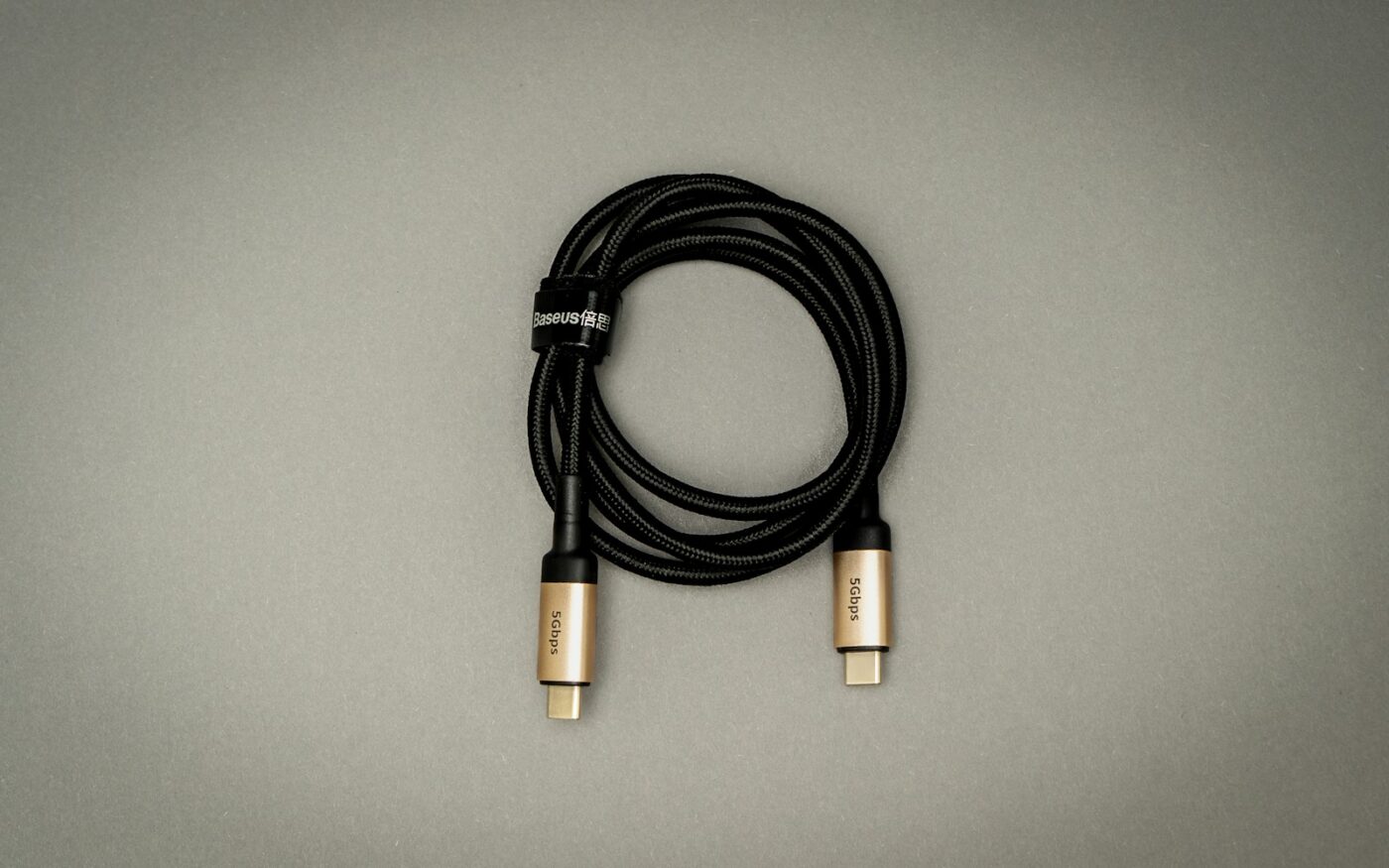
You plug it in and nothing happens. No light, no battery icon, or a charge that never seems to finish. A vape that won’t charge is rarely dead: the cause is usually the port, the cable, the charger or a simple setting. This guide works through the fixes in the order most likely to solve it, then covers how long charging should take and when it really is time for a new battery.
The short version
- Check the port. Pocket lint in the USB-C port is the number one cause. Clear it gently with a dry wooden toothpick, never metal.
- Swap the cable and plug. Use a basic wall adapter, not a laptop port or a cheap car charger.
- Make sure it isn’t locked (often five quick button presses) and leave it plugged in for 15–30 minutes if the battery was completely flat.
- Stop using it if it’s swollen, hot, wet or smells of burning.
Fixes, in the order to try them
1. Clean the charging port
USB-C ports collect pocket fluff, dust and sometimes leaked liquid. Even a thin layer stops the plug seating fully. Shine a phone torch into the port. If you see grey fuzz or grime, ease it out with a dry wooden toothpick or a short puff of compressed air. Don’t use anything metal and don’t use water: metal can short or bend the pins, and moisture causes corrosion.
2. Try a different cable
Cables fail more often than devices. A cable that charges your phone can still be damaged or be “charge-only” in odd ways. Try the cable that came with the device, or another one you know works.
3. Try a different power source
Use a standard wall adapter. Laptop USB ports, hubs and some car chargers supply too little power, or switch off when the computer sleeps. A plain 5V adapter is the safe choice for any vape. Some devices support faster charging: Vaporesso lists 9V/2A or 5V/3A input for the XROS 6, for example. Faster chargers only help if the device supports them.
4. Check the plug is fully in
Push the plug in until it seats firmly. If the light flickers when you move the cable, the port may be dirty (step 1) or worn.
5. Make sure the device isn’t locked
Many devices have a lock mode, usually five quick presses of the fire button. A locked device may not show the usual charging display. Unlock it, plug it in again, and watch the screen or light.
6. Give a flat battery time
A completely drained battery, or a device that’s been sitting unused for months, can take several minutes to show any sign of charging. Leave it plugged in for 15–30 minutes before deciding it’s dead.
7. Let it warm up or cool down
Lithium batteries don’t like charging when they’re very cold or very hot, and many devices refuse to charge outside a safe temperature range. If it’s been in a freezing car or in the sun, bring it to room temperature first.
8. Dry it out
Leaked liquid or condensation around the port or pod bay can stop charging or trigger protection. Remove the pod, wipe everything you can reach, and leave the device in a warm, dry place for a few hours before trying again.
Mods with removable batteries
If your mod uses removable 18650 or 21700 cells, a few extra checks apply:
- Battery orientation: check the + and − markings in the battery bay.
- Dirty contacts: wipe the battery ends and the mod’s contacts with a dry cloth.
- Use an external charger: many manufacturers and battery experts recommend charging removable cells in a dedicated charger rather than through the mod’s USB port.
- Check the wraps: a torn or damaged battery wrap is a safety risk. Replace the wrap or the battery before using it. See battery safety basics.
How long should a vape take to charge?
It depends on battery size and charging speed. As a rough guide, small pod devices with built-in batteries usually charge in somewhere between 30 minutes and about 90 minutes from flat with a standard adapter, and fast-charging devices with a compatible charger can be quicker. Your manual or the manufacturer’s product page will give the real figure for your model. Most devices show a full battery icon, change light colour, or turn the light off when charging is complete.
Is the battery dying?
Rechargeable batteries slowly lose capacity over hundreds of charge cycles. Signs that a built-in battery is near the end of its life:
- The device needs charging far more often than it used to.
- The battery level drops suddenly, for example from half to empty.
- It only works while plugged in.
- It shuts off during puffs even when it shows charge.
With built-in batteries, that usually means it’s time for a new device. Don’t try to open it or replace the battery yourself.
When to stop charging and stop using it
Unplug it and don’t use it if the device is swollen or bulging, gets hot while charging beyond slightly warm, hisses, gives off a chemical or burning smell, or has been soaked or crushed. Put it somewhere non-flammable away from anything that could catch fire, and contact the retailer or manufacturer. Don’t throw lithium batteries in household waste.
Good charging habits
- Charge on a hard, non-flammable surface, not on a bed or sofa.
- Don’t leave devices charging unattended for long periods or overnight.
- Use a reputable cable and adapter.
- Keep the port clean and dry.
- Don’t vape while charging unless your manual says pass-through use is supported.
Still not working?
If it charges but won’t fire, see vape not hitting? If it’s flashing at you, see why is my vape blinking? If it’s new and still won’t charge after every step above, contact the retailer: it may be faulty.
FAQ
Why won’t my new vape charge?
New devices often ship with a low battery and may be locked. Unlock it, use a known-good cable and a wall adapter, and leave it plugged in for 15–30 minutes.
Can I use my phone charger?
Usually, yes. A standard USB wall adapter is fine for most vapes. Fast phone chargers only charge faster if the vape supports that standard.
Why does my vape say it’s charging but never reaches 100%?
The cable or adapter may be supplying too little power, or the battery may be ageing. Try a different adapter first.
Can I charge a disposable vape?
Only if it has a charging port. Disposables without a port aren’t designed to be recharged.